
Impossible poses are blocked.
Every one of the 52 joints has a human range of motion. Arms do not pass through the torso and legs do not pass through legs, so you spend your time drawing, not correcting.
Rigdoll is a 3D posable art mannequin for adult illustrators and manga artists. A 52-joint body keeps every joint inside a human range, and limbs never pass through the torso or each other. Drag a joint, start from a photo, or type the pose you want.
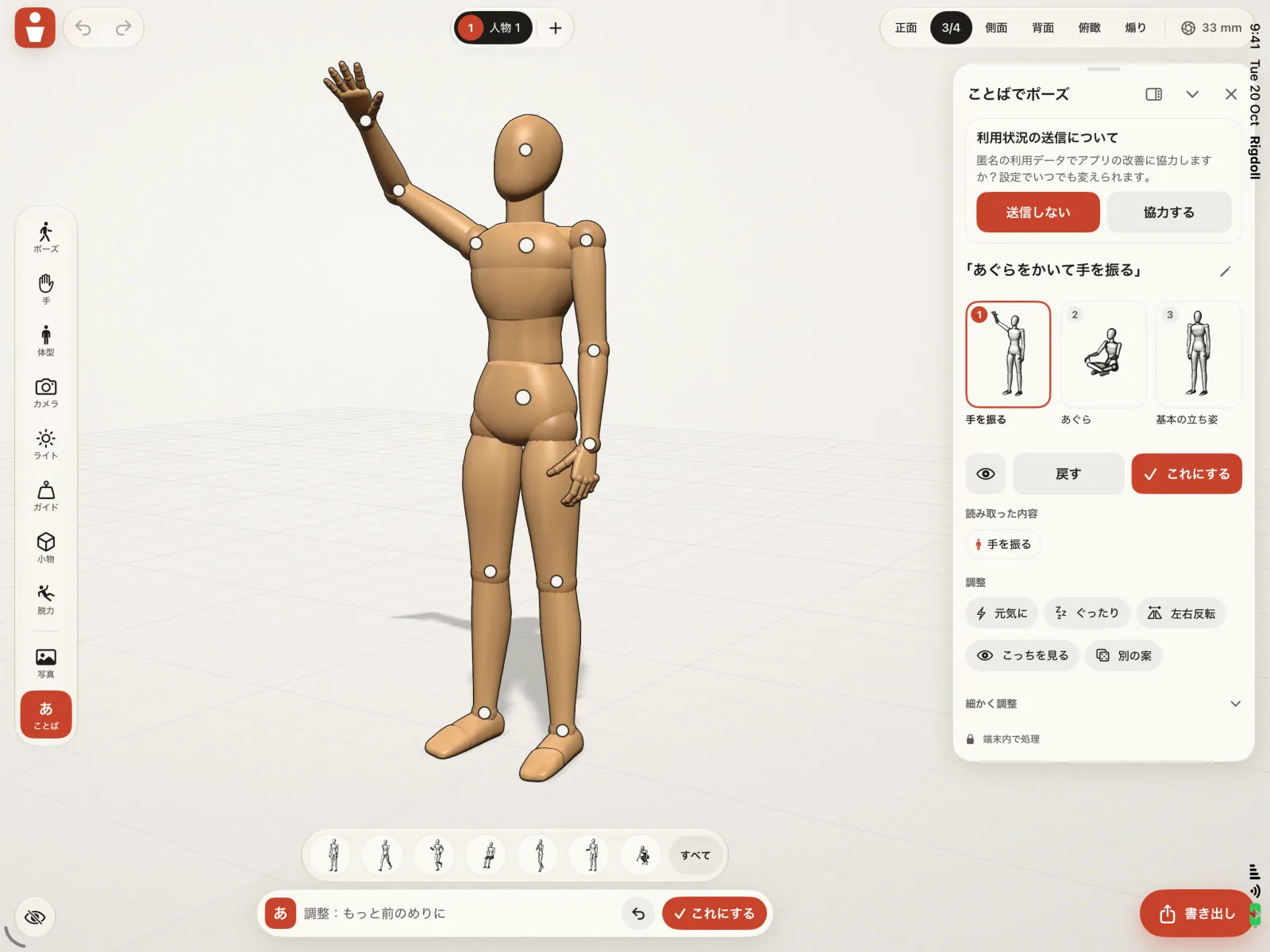
Posing a mannequin should not mean fixing a broken elbow. Rigdoll knows how far each joint moves and keeps the body from folding into itself, so the pose you build is one you can draw.
Built for adult hobbyists and working artists, in portrait and landscape, on iPhone and iPad.
Drag a joint and the arm or leg follows. Open a joint for exact sliders when you need a precise angle. Undo and redo are always at hand.
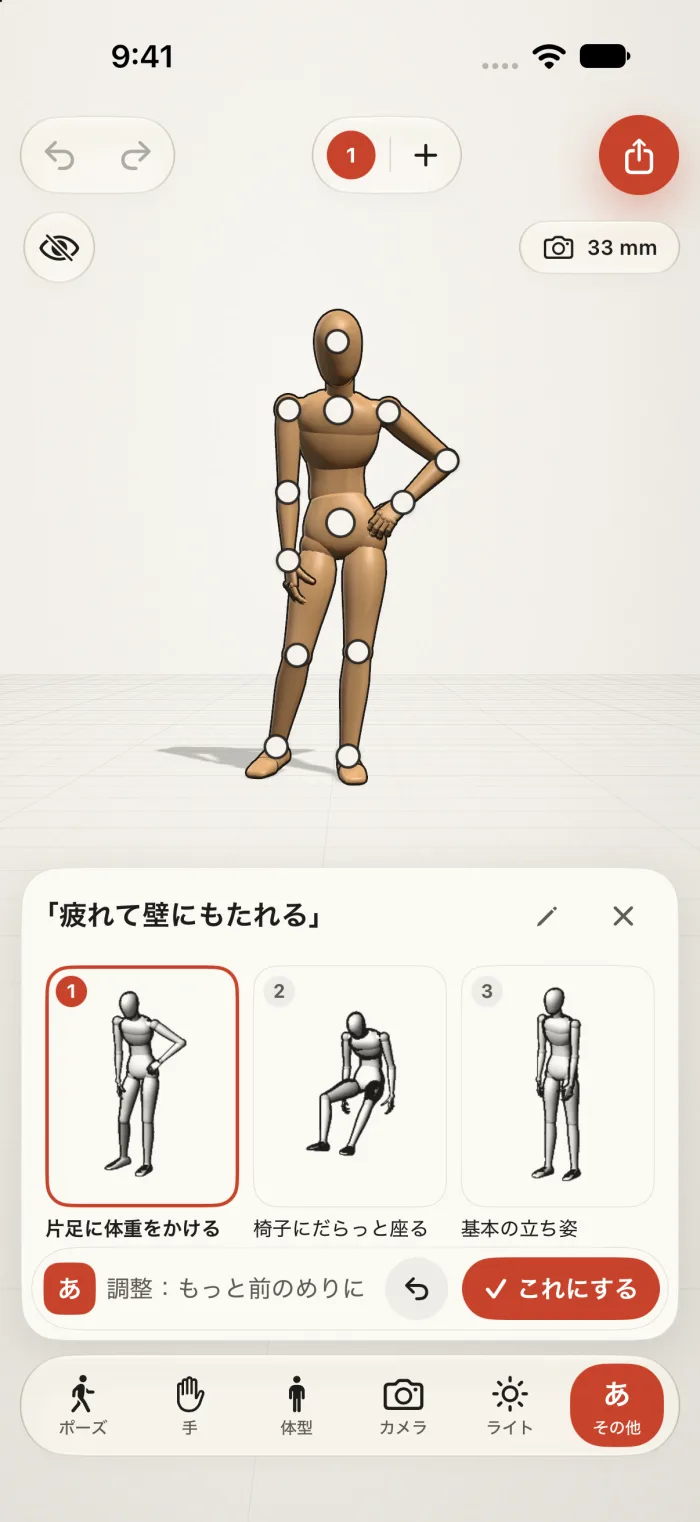
Photo to pose reads a photo on your device, fingers included. Words to pose turns a typed phrase, in Japanese or English, into three draft poses that stay inside joint limits.
Export a transparent PNG as line art or shaded, through the share sheet or straight to Photos. Sketch over the figure with Apple Pencil, and keep projects in sync with iCloud.
Every one of the 52 joints has a human range of motion. Arms do not pass through the torso and legs do not pass through legs, so you spend your time drawing, not correcting.
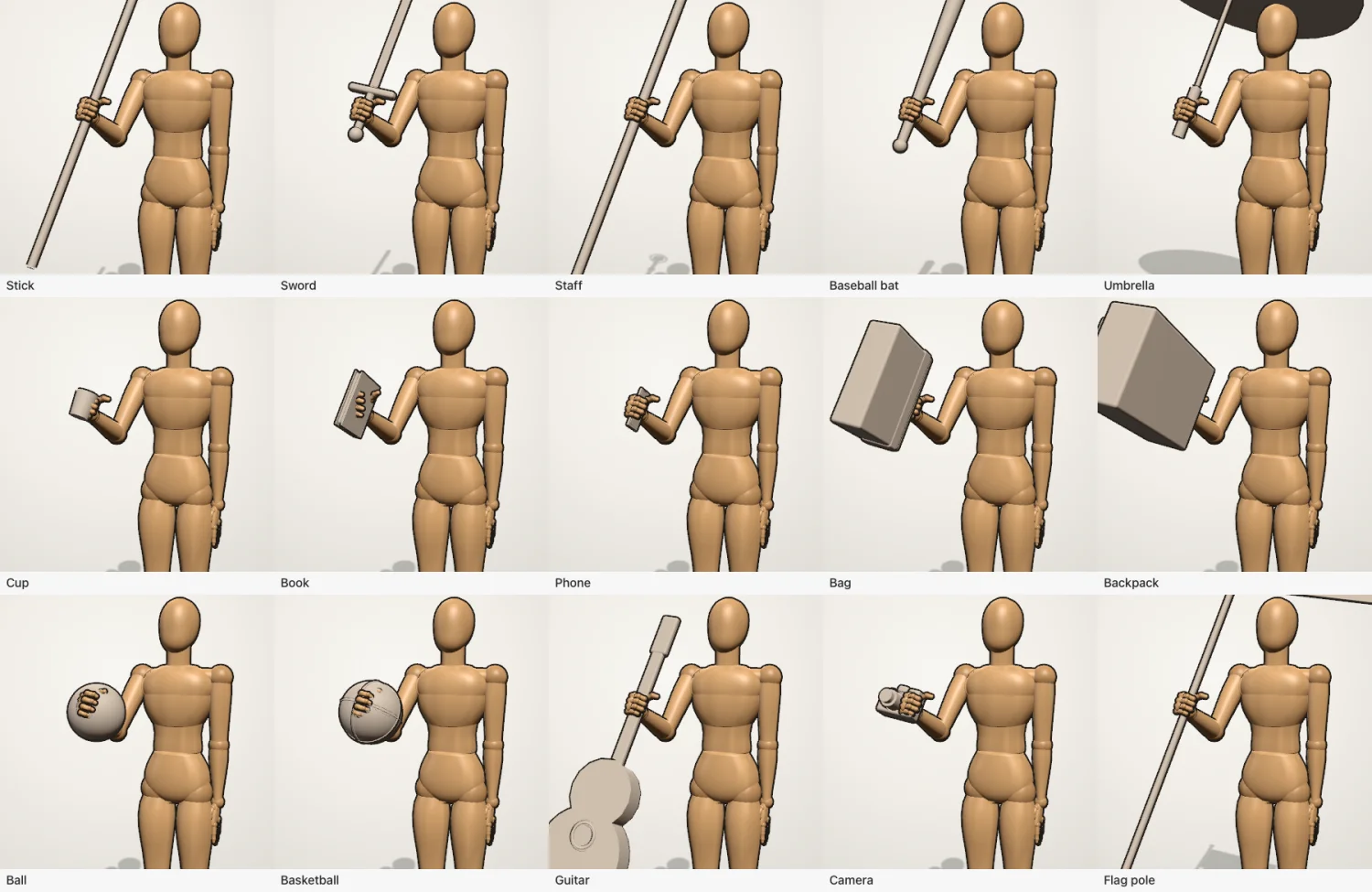
Hands have individual finger joints and ready-made grips, so a figure can hold a cup, a phone or a sword the way a hand really would.
Show the centre of mass and the support area on the ground to check that a standing, leaning or mid-stride pose could really hold up.
Height, head size, shoulder and hip width and limb length, with male and female presets and stylized or realistic head-to-body ratios. Adult bodies only.
Put several figures in a scene, choose from 15 scene presets and 38 props, and add creatures. Set the camera, field of view, perspective or orthographic view, and one light with a shadow.
Render with AI is optional and has a usage limit. It sends the rendered scene image to our server, which deletes it right after generation. Posing, photo to pose and export all run on your device without it.
These are renders from the Rigdoll engine and the current app build, not App Store screenshots or photographs. Final store screenshots will follow the release.
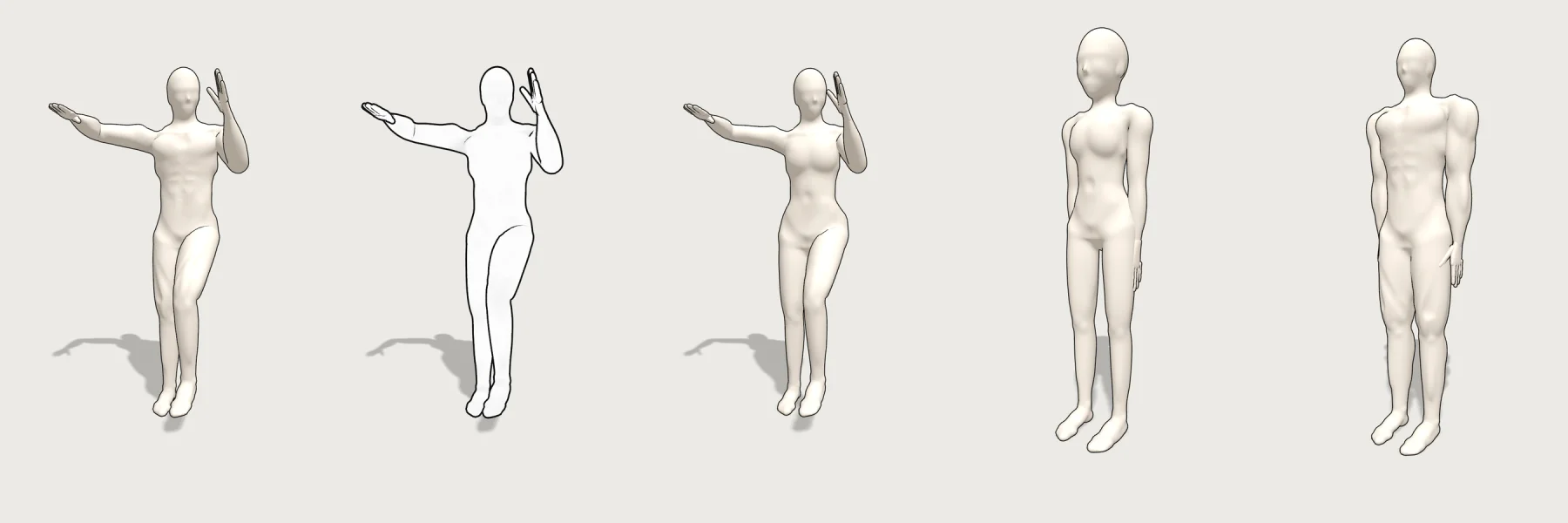
A beta of the Rigdoll studio runs in desktop Chrome, Safari, Edge and Firefox. Pose a figure, save poses and export a transparent PNG. Signing in with Apple is optional and only syncs your saved data.
Open the web studio (beta)Rigdoll does not have a public App Store listing yet, so this page does not link to one. When the listing is live, this page will link directly to it. Rigdoll is made for iPhone and iPad on iOS 17 or later.
Ask for the launch linkFree: two figures, the basic pose library and PNG export up to 1080 px with no watermark. Pro is a one-time purchase, not a subscription, and unlocks unlimited figures, the full pose library, props and high-resolution export. The price is shown in the app before you buy.
No. Pro is a one-time purchase with no auto-renewal, no weekly billing and no ads. It unlocks unlimited figures, the full pose library, props and high-resolution export.
Two figures, the basic pose library and PNG export up to 1080 px with no watermark. Duplicating a figure is free.
No. Photos are processed on your device only.
Posing, saving and exporting run on your device. Only the optional Render with AI sends an image to our server, and only when you use it. Anonymous usage analytics are on by default outside the EEA, UK and Switzerland, where they stay off until you accept, and you can turn them off in Settings. See the privacy policy for every detail, including how Words to pose phrases are handled.
Adult hobbyists and professional artists. Rigdoll draws adult bodies only, and you must be 18 or older to use it.
Yes. Landscape and iPad layouts are first class, and the app works with Apple Pencil.
Not yet. There is no public App Store listing. Use the launch-link email above, or come back to this page for the official link when it is live. The web studio beta is open now.