
A camera from
another planet.
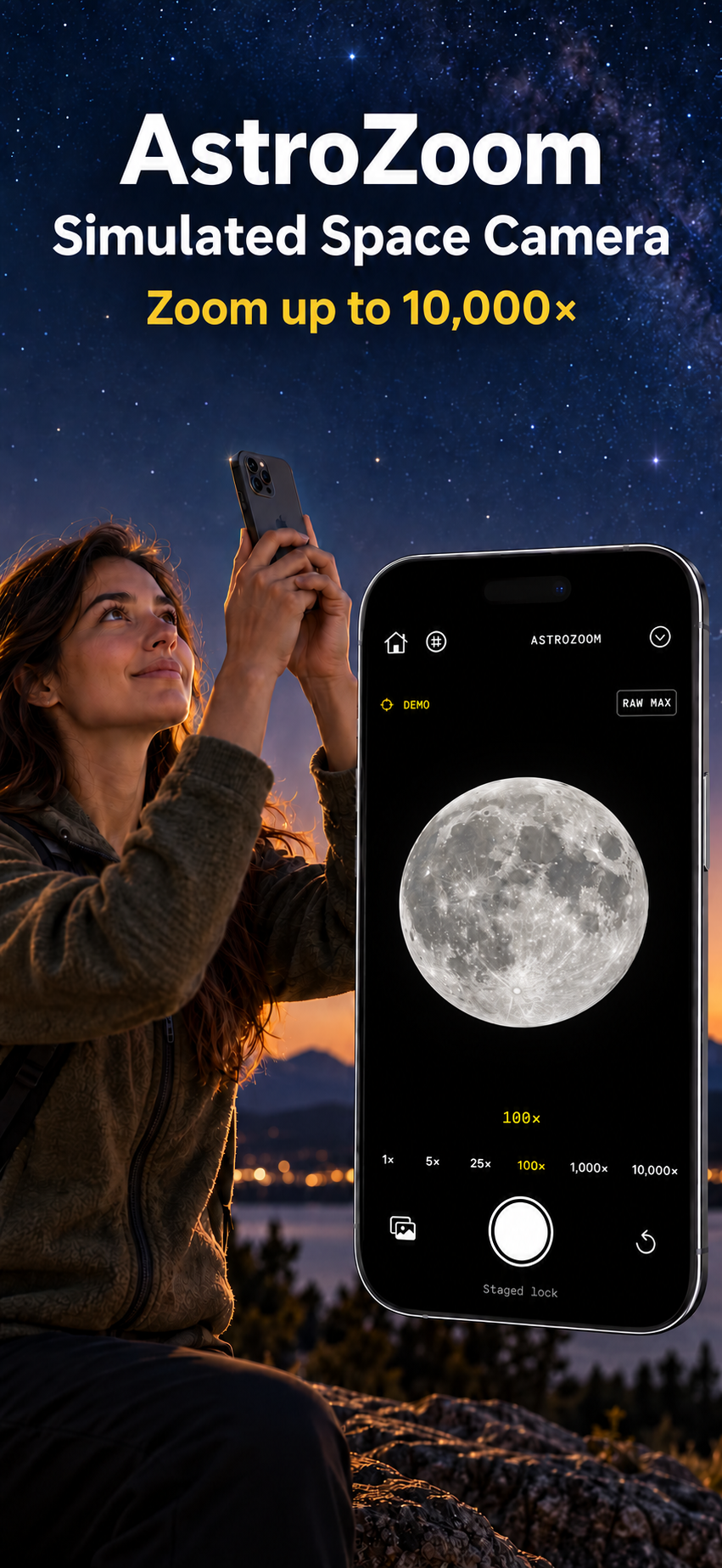
Zoom to 10,000× and watch the Moon fill your viewfinder. AstroZoom adds simulated space detail to your camera for a playful telescope effect.
The zoom and planetary detail are simulated. Your iPhone lens does not capture these surface details.
Current positions in your sky.
Camera mode calculates current celestial positions from your precise location, the current time and your phone's direction. Objects below your horizon remain hidden in Camera mode.
In the live camera, the Moon overlay waits for a visual match near its calculated position. It fits the visible lunar disc using the expected size and phase, and removes the original disc behind the replacement. If the image is unclear, the Moon overlay stays hidden. Compass errors, clouds and exposure can prevent alignment. Planet and Sirius overlays use calculated directions.
The zoom readout and surface detail are simulated. AstroZoom does not turn your iPhone lens into a telescope. Exported photos are marked as simulated. The current lunar phase is automatic. Moon color adapts to the visible disc when camera alignment succeeds, with an altitude-based estimate as a fallback. Includes a grid, exposure control and shutter timer.
Demo Sky opens an illustrative scene with stars, the Moon, Mars, Jupiter and Sirius. Drag to explore or tap a target to center it, then zoom and capture a labeled photo. No camera, location or compass permissions are required. Demo positions are illustrative, not your current sky.
Planetary imagery and astronomy calculations are bundled and work offline once your phone has a current location fix. No account or subscription is required. Usage analytics are on by default and can be turned off in Camera settings. Camera images, saved photos and precise location stay on your iPhone.
Requires an iPhone with iOS 17 or later.
AstroZoom privacy policy · Support · Terms
The App Store download link will appear here after Apple makes the listing public.